
Peptide Log App: What to Track & Why | PeptideIQ
What Is a Peptide Log App — And Why Every Serious Protocol Needs One
Two vials in the fridge. Three notes scattered across different apps. A dosing schedule reconstructed from memory four days after the fact.
That gap between what peptide users intend to track and what they actually track is exactly where a peptide log app changes everything — and where protocols quietly fail.
Key Takeaways
- Dedicated peptide logging apps reduce protocol errors and missed doses by up to 40% compared to manual or spreadsheet tracking.
- The best logging apps include dose calculators, side effect tracking, injection site rotation guides, and reconstitution helpers built in.
- Real-time logging within hours of injection captures the most accurate data for progress tracking and AI-driven personalized guidance.
- Multi-peptide stack management requires an app that tracks cycle phases, injection timing, and interactions simultaneously — spreadsheets fail here.
- Progress visibility from daily logging motivates protocol adherence, helps you detect early wins, and builds confidence in your cycle.
Contents
- What Is a Peptide Log App and Why Do Serious Users Need One?
- How Does Tracking with a Peptide Log App Reduce Injection Errors?
- How PeptideIQ's Logging System Reduces Protocol Errors
- Which Peptide Log App Features Matter Most for Beginners?
- Can a Peptide Tracking App Help You Catch Side Effects Early?
- What's the Difference Between a Peptide Journal and a Specialized Tracking App?
- How Often Should You Log Your Peptide Doses in Your App?
- Do You Really Need a Dedicated Peptide Log App or Will Spreadsheets Work?
- Frequently Asked Questions
What Is a Peptide Log App and Why Do Serious Users Need One?
A peptide log app is a mobile application designed specifically to track peptide dose timing, injection sites, reconstitution data, wellness metrics, and side effects in a structured system. Unlike general health apps, a dedicated peptide log app is built around the unique requirements of peptide protocols — multi-week cycles, precise mcg dosing, injection site rotation, and compound-specific timing rules.
Serious users need one because peptide protocols are not static. Dose escalation phases, missed doses, side effect patterns, and adherence rates all accumulate into a dataset that tells you whether your cycle is actually working. Without a log, you are running on instinct and memory — neither safe nor informative.
For a foundational guide on whether tracking software fits your situation, the peptide tracking app overview covers that decision in detail.
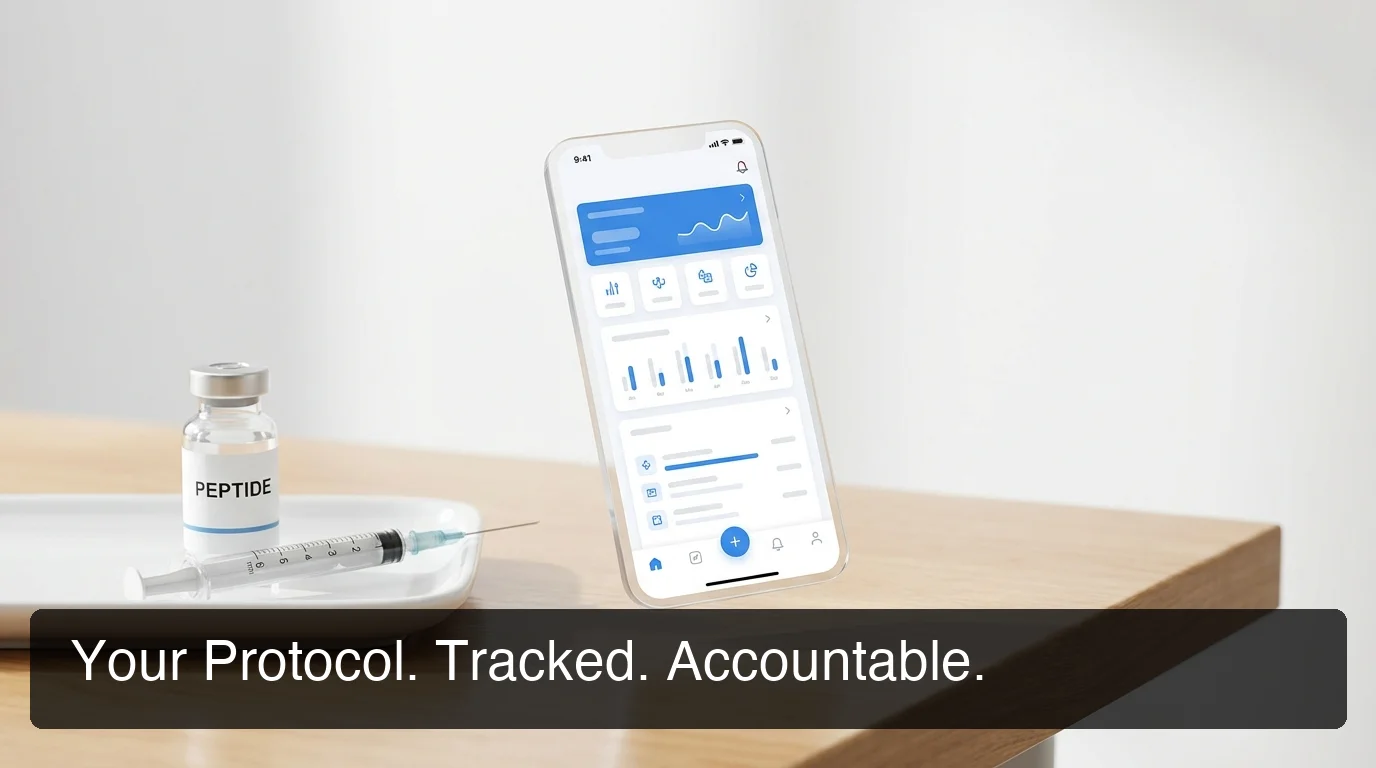 A structured peptide log app turns a chaotic protocol into a system you can actually measure.
Think of it this way: a peptide log app is to your protocol what a flight plan is to a pilot. You can fly without one. But the data that comes back — or doesn't — tells a very different story about whether the journey went as intended.
How Does Tracking with a Peptide Log App Reduce Injection Errors?
A peptide log app reduces injection errors by providing pre-filled dose confirmations, injection site rotation maps, visual syringe fill guides, and missed-dose alerts specific to each compound. Structured logging removes the guesswork from each injection — you cannot make a double-dose error when the app shows exactly what was administered and when.
Three error types a dedicated log app prevents:
- Double-dosing: The app displays the timestamp of your last logged dose before confirming a new one — an instant check that no mental note provides.
- Wrong injection site: A rotation map highlights recently used sites in red (used today) and yellow (used in the last 48 hours), directing you to a safe site automatically.
- Incorrect draw volume: A visual syringe guide calculates the exact draw units from your vial concentration and target dose — no math, no guessing.
By the numbers: FDA testing found up to 40% of online peptide products contained incorrect dosages or undeclared ingredients. A log app cannot fix product quality — but it ensures you administer what you intend to administer, correctly, every time.
For users running growth hormone peptides like CJC-1295 and Ipamorelin on fasted protocols, timing precision matters more than it does for most compounds. An app that tracks fasting windows, dose timing, and meal logging together gives you a system those compounds actually require.
How PeptideIQ's Logging System Reduces Protocol Errors
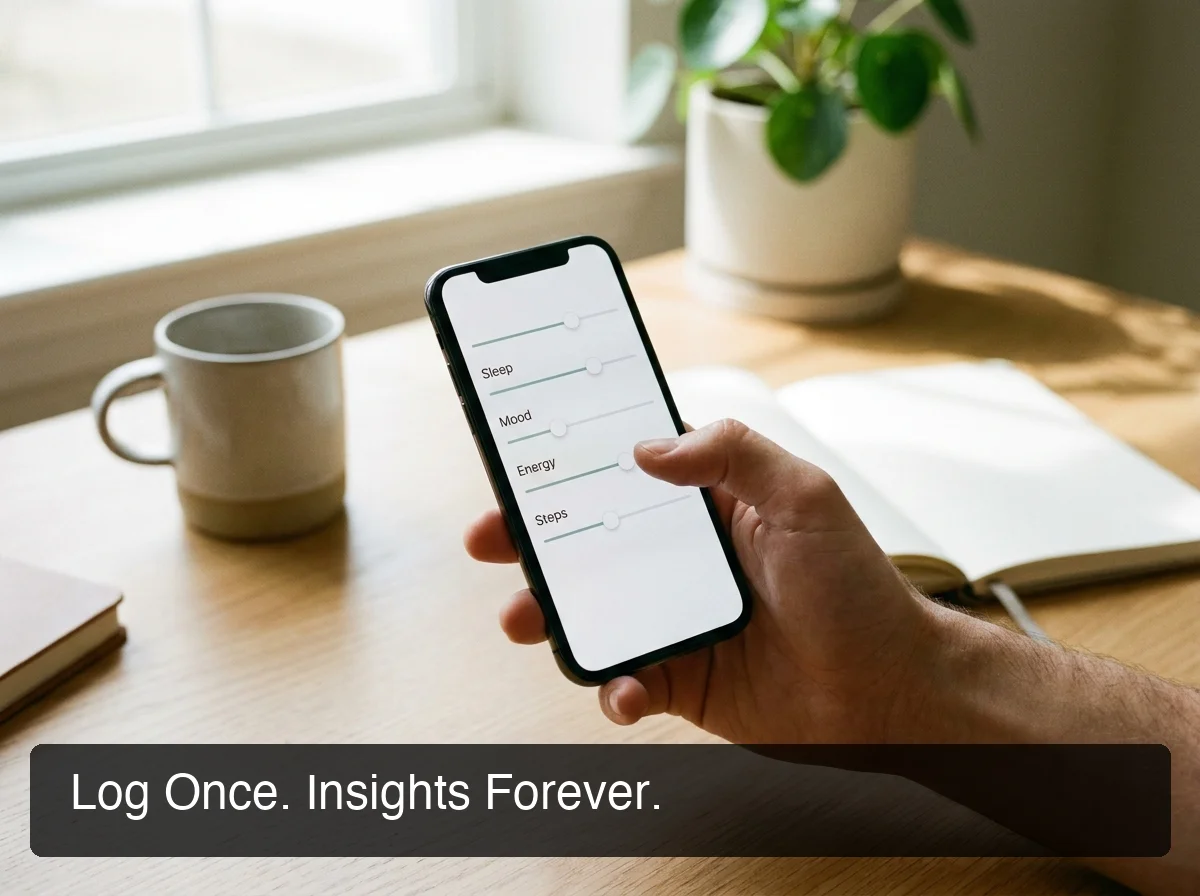 PeptideIQ's dose logging flow captures site rotation, draw volume, and wellness data in under 60 seconds.
PeptideIQ's dose logging process is built as a structured six-step flow — designed to complete in about 60 seconds while preventing every common error point.
The injection site rotation feature displays a front and back body diagram with color-coded history. Green dots mark sites that are ready; yellow marks sites used in the last 48 hours; red marks today's sites.
The app recommends the next site automatically. First-timers see a label with the exact location: "Left abdomen — 2 inches from navel." No guesswork, no ambiguity.
The visual syringe display calculates exactly where to draw based on your vial concentration and target dose. A beginner does not do the math — the app says: "Draw to the 15 unit mark." For experienced users, this step is skippable. For first-timers, it is mandatory until they develop the habit.
The reconstitution calculator handles the math that stops most beginners before they inject. Enter your vial size in mg, desired dose in mcg, and BAC water volume — it outputs the resulting concentration and exact syringe units to draw. The best peptide logging apps include a dose calculator built in, so you never have to manually convert units or calculate vial concentrations from scratch.
Worth knowing: PeptideIQ also includes a reverse reconstitution calculator — enter your target draw units and it calculates how much BAC water to add. This is one of the most requested features in peptide communities, and no generic health app provides it.
Which Peptide Log App Features Matter Most for Beginners?
For beginners, the most critical peptide log app features are a reconstitution calculator, injection site rotation guide, visual syringe display, and step-by-step dose confirmation flow. These four features address every point where first-time users make errors — the math, the site, the draw, and the timing.
Reconstitution Calculator
Most peptides arrive as freeze-dried powder requiring bacteriostatic water before use. The calculation — what concentration results, what syringe units that corresponds to — is the most common barrier for new users. A built-in calculator removes this entirely.
Injection Site Rotation
Reusing the same injection site causes localized irritation, subcutaneous tissue damage, and absorption inconsistency. A rotation guide with history tracking prevents this. Without one, most beginners default to the same two sites until they develop problems.
Wellness Tracking Sliders
Simple 1–10 sliders for energy, mood, sleep quality, and a goal-specific metric (weight, pain score, recovery) convert subjective daily experience into an objective dataset. Four weeks of sliders tells a story that memory never could.
Missed Dose Handling
Good logging apps do not just record doses — they follow up on missed ones. A gentle prompt within a 6-hour window, with options to log retroactively or skip, keeps your protocol record accurate rather than silently incomplete.
Can a Peptide Tracking App Help You Catch Side Effects Early?
Yes — a peptide tracking app identifies side effect patterns earlier than unstructured memory by flagging consecutive low-energy or high-severity symptom logs, correlating them with dose timing, and surfacing the pattern automatically. Early detection prevents manageable problems from becoming protocol failures.
The mechanism is straightforward. When you log side effects as they happen — fatigue, nausea, joint soreness, water retention — the app builds a timeline correlated with your dose schedule.
A symptom that happens once is noise. A symptom that appears two days after every injection and resolves by day five is a signal.
Without structured logging, that pattern takes months to recognize. With consistent app logging, you see it in week two.
 Six weeks of logged data reveals what patterns and memory never could.
PeptideIQ goes further. When energy or mood sliders read 4/10 or below for three consecutive check-ins, the app surfaces a contextual prompt automatically: "You've logged lower energy for 3 days in a row — tap to understand why." That is the difference between a dumb logger that records and a guided system that interprets.
Side effects in the quick-tap grid include: fatigue, nausea, headache, injection site soreness, water retention, brain fog, hunger changes, insomnia, dizziness, bloating, and mood changes — each tagged with severity. The AI co-pilot sees this data in full context and answers questions about it specific to your cycle, not generically.
What's the Difference Between a Peptide Journal and a Specialized Tracking App?
A peptide journal is a structured written log — templates, notebooks, or spreadsheets — that captures doses and observations manually. A specialized tracking app automates the structure, performs calculations, sends reminders, and analyzes patterns across data in ways paper journals and spreadsheets cannot. The two serve different needs and some users run both.
| Feature | Paper Journal | Spreadsheet | Dedicated Tracking App |
|---|---|---|---|
| Dose reminders | No | No | Yes |
| Reconstitution calculator | No | Manual formula | Built-in |
| Injection site rotation | Optional diagram | No | Visual, automated |
| Side effect pattern analysis | Manual review | Manual | Automated |
| Multi-stack management | Cumbersome | Possible but fragile | Native |
| AI co-pilot with your context | No | No | Yes (PeptideIQ) |
| Offline access | Always | Partial | Yes |
| Doctor-ready PDF export | No | Manual | One-tap export |
Some users combine analog journaling with digital app logging for redundancy and reflection — the case for maintaining a dedicated peptide journal alongside app tracking is worth reading if you're building your full system.
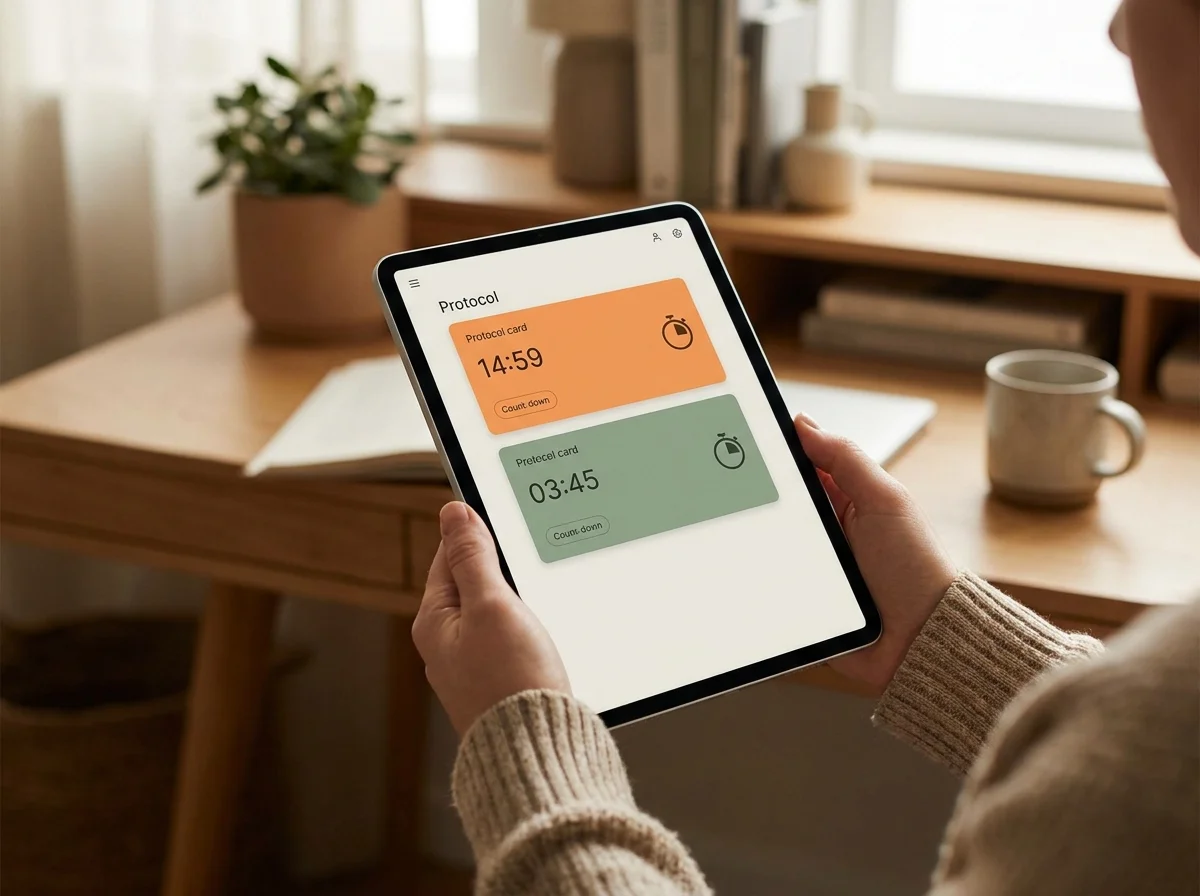 Multi-peptide stack management requires a dedicated tool — spreadsheets show their limits fast.
The key differentiator is the AI context layer. A journal records what happened. A tracking app with AI co-pilot answers why it happened — because it knows your protocol, your cycle phase, your wellness history, and your goal simultaneously.
How Often Should You Log Your Peptide Doses in Your App?
Log every dose within 1–2 hours of administration, not at the end of the day from memory. Same-session logging captures the most accurate wellness data — energy, mood, and side effects are freshest in the immediate post-dose window — and keeps the app's streak tracking, progress charts, and AI context reliably current.
Daily check-ins are the minimum. For twice-daily protocols — some BPC-157 cycles and CJC-1295/Ipamorelin stacks — log each session separately. The timestamp matters: it tracks fasting windows, timing relative to meals, and accumulation modeling for long-half-life compounds.
Common mistake: Logging a morning injection at 10 PM is better than not logging at all — but wellness sliders recorded 12 hours late reflect your evening state, not your post-dose state. Evening fatigue and injection-triggered fatigue look identical in a chart when timestamps are off.
Whether you're on GLP-1, BPC-157, or growth hormone peptides, a logging system designed for your specific goal and protocol type is essential for turning raw dose data into meaningful progress insight.
Do You Really Need a Dedicated Peptide Log App or Will Spreadsheets Work?
Spreadsheets work for a single peptide with a fixed dose and no escalation phases. They fail for multi-compound stacks, dose escalation protocols, automated side effect correlation, real-time reminders, and injection site rotation — everything that defines a serious protocol. For complex cycles, a dedicated app is not optional.
Consider what a spreadsheet cannot do: it will not send you a reminder when your cycle phase transitions. It will not flag that you have used the same injection site three days in a row. It will not correlate your energy trend with your dose timing or prompt you when something looks off.
These are not features. They are the difference between running a protocol and knowing whether your protocol is working.
If you're ready to compare specific apps and evaluate their individual strengths, our full peptide app comparison covers four top options including features, pricing, and use case fit.
Track Your Protocol with PeptideIQ
A structured logging system is not a convenience — it is the foundation of every protocol that actually produces results you can measure. PeptideIQ combines guided dose logging, injection site rotation, a built-in reconstitution calculator, side effect tracking, and an AI co-pilot initialized with your specific cycle, goal, and data — so every session gives you insight, not just a checkbox.
Download PeptideIQ on the App Store
Frequently Asked Questions
What is the best peptide log app for beginners?
The best peptide log app for beginners includes a reconstitution calculator, injection site rotation guide, visual syringe display, and step-by-step dose confirmation. These features prevent every common beginner error — the math, the site, the draw, and the timing. PeptideIQ is built around this guided system with an AI co-pilot that adapts to your specific protocol from day one.
Is there a free peptide tracker app?
Several peptide tracker apps offer free tiers with basic dose logging, and most limit features like AI guidance and advanced analytics to paid plans. PeptideIQ uses a freemium model — core protocol tracking is available free, with the AI co-pilot and advanced analytics offered through an optional Pro subscription.
How do I track multiple peptides at once in a log app?
Multi-peptide tracking requires an app that supports separate protocol cards per compound, each with its own dose schedule, cycle phase, and timing. Stack management tools display all active protocols simultaneously — particularly important when coordinating fasting windows, managing half-life overlap, or running compounds with conflicting timing requirements. Spreadsheets cannot automate this reliably.
Can a peptide log app help with semaglutide dose tracking?
Yes. A peptide log app tracks semaglutide dose timing, titration phase transitions, weekly weight trend, and side effects like nausea and fatigue. For GLP-1 users, dose timing and adherence data are especially valuable — the app makes clear exactly when a dose was missed and whether side effects correlate with specific dose escalation weeks.
What should I log in my peptide tracker besides the dose?
Beyond dose and timing, log the injection site used, wellness markers (energy, mood, sleep, goal metric), any side effects with severity, and a brief note if relevant. These data points combine into a progress picture that raw dose logs alone cannot provide. The more complete your log, the more accurate the AI co-pilot's context becomes.
How is a peptide log app different from a general supplement tracker?
General supplement trackers are designed for capsules and powders — they have no injection site rotation, no reconstitution calculators, no peptide-specific cycle management, and no compound-specific timing rules. A dedicated peptide log app is structured around the actual workflow: mix, draw, rotate, inject, log, track. The inputs, outputs, and intelligence layer are completely different.
Does a peptide tracking app replace a doctor?
No. A peptide tracking app gives you organized data — dose history, adherence rate, wellness trends, side effect patterns — that supports better decisions and more informed conversations with healthcare providers.
PeptideIQ's AI co-pilot answers protocol questions and flags when something genuinely warrants professional attention. It is a guided system, not a medical service.