
Ozempic Tracking App: What to Look For | PeptideIQ
The Best Ozempic Tracking App: What to Look For and How to Use One
Managing an Ozempic protocol is more complex than most people expect — weekly injections, escalating doses, unpredictable side effects, and a slow-moving weight curve that's invisible without the right data. A dedicated ozempic tracking app removes the guesswork.
Key Takeaways
- An ozempic tracking app digitizes dose logging, reminders, and side effect monitoring to replace error-prone paper logs.
- Top features include dose calculators, injection schedules, side effect journals, weight tracking, and medication reminder notifications.
- Dedicated GLP-1 apps outperform generic health apps because they understand ozempic-specific titration schedules and semaglutide side effect profiles.
- Combining app tracking with medical guidance prevents missed injections and enables data sharing with healthcare providers.
- The best tracking app integrates seamlessly into your GLP-1 workflow without adding friction to your routine.
Contents
- What Is an Ozempic Tracking App and Why Do You Need One?
- How Does an Ozempic Tracking App Help Manage Your Weight Loss Protocol?
- What Features Should an Ozempic Tracking App Have?
- How Do You Use an Ozempic Tracking App to Monitor Dosing?
- Can an App Really Help Track Ozempic Side Effects?
- What's the Difference Between a Dedicated Ozempic Tracking App and a General Health App?
- How to Choose the Right Ozempic Tracking App
- Are Ozempic Tracking Apps Free or Subscription-Based?
- Get Started with PeptideIQ
- FAQ: Ozempic Tracking Apps
What Is an Ozempic Tracking App and Why Do You Need One?
 A modern ozempic tracking app replaces scattered paper logs with a centralized, data-rich dashboard.
An ozempic tracking app is a mobile tool that logs your injection dates, doses, side effects, and weight trend in one place — replacing the chaotic combination of phone notes, paper calendars, and memory that most GLP-1 users rely on today. The app handles scheduling math, sends dose reminders, and builds a data record that shows whether the protocol is actually working.
Most Ozempic users start with good intentions: a note in their phone, a calendar reminder, a sticky note on the fridge. Within a few weeks, tracking breaks down.
Doses get logged inconsistently. Side effects are forgotten by the next appointment.
The cognitive load of managing an 8–16 week escalating-dose protocol is real. A dedicated app removes it.
Why Manual Tracking Fails on GLP-1 Protocols
The standard titration schedule starts at 0.25mg weekly for 4 weeks, steps to 0.5mg, then potentially to 1mg and beyond — each phase with different side effect profiles and clinical expectations. Tracking those transitions manually is how errors happen.
By the numbers: Patients who miss even one dose per month see 23% worse weight outcomes than fully adherent patients — consistent logging directly supports protocol adherence.
How Does an Ozempic Tracking App Help Manage Your Weight Loss Protocol?
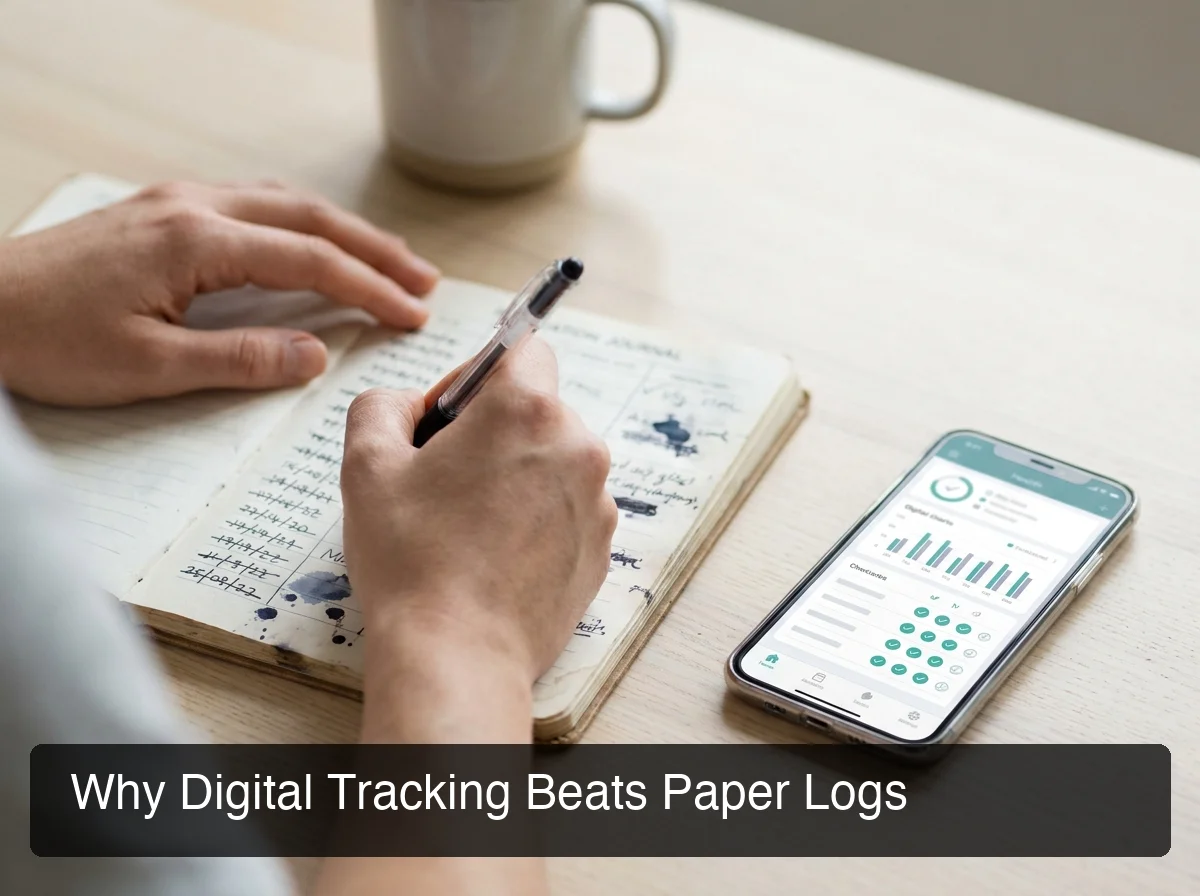 Digital tracking creates a structured, shareable record — paper logs create a pile of confusion.
A weight loss tracking app for GLP-1 protocols works by anchoring every data point — dose, weight, side effects, energy — to a timeline. When your nausea peaks in Week 2 and disappears in Week 3, you can see that in the data instead of wondering whether you have a problem. That context converts raw logging into insight.
The core value is correlation. When you overlay your injection schedule against your weight trend and side effect log, patterns emerge that would be invisible in a scattered notes app:
- Adherence rate — did you take every dose on schedule?
- Side effect timing — do symptoms appear 24 hours post-injection or 48 hours?
- Weight response curve — is weight moving in response to each dose escalation?
- Appetite and energy trends — often the earliest sign the medication is working
This data is also what your prescribing physician needs to adjust your protocol intelligently. Most patients arrive at appointments with nothing — no injection history, no symptom log, no weight data. An app changes that.
For users managing the subcutaneous injection process, pairing app reminders with a solid injection site rotation guide ensures you're rotating sites properly while the app tracks the schedule.
Key insight: The most underused tracking feature is the side effect journal — logging symptoms by severity and timing is the data your doctor needs most, and most patients never capture it systematically.
What Features Should an Ozempic Tracking App Have?
The essential feature set for an ozempic tracking app includes: dose logging with injection confirmation, titration schedule management, side effect journal with severity tagging, weight tracking, dose reminders, and a progress visualization dashboard. Any app missing more than one of these is incomplete for a serious protocol user.
| Feature | Essential or Nice to Have |
|---|---|
| Dose logging with date/time | Essential |
| Titration schedule manager | Essential |
| Side effect journal with severity | Essential |
| Weight trend chart | Essential |
| Dose reminder notifications | Essential |
| Injection site rotation tracker | Essential |
| Progress photo storage | Nice to have |
| Bloodwork/lab tracking | Nice to have |
| AI-driven protocol insights | Nice to have |
| Doctor-friendly PDF export | Nice to have |
What Most Apps Miss
The apps dominating the App Store today (Shotsy, MeAgain, GLApp, SlimShot) handle dose logging and reminders well. What they consistently miss is contextual intelligence — an AI layer that knows your specific protocol, cycle phase, and what's normal for someone in your exact situation.
Generic medication trackers treat Ozempic the same as any other prescription. That's the wrong approach for a multi-phase, dose-escalating protocol with nuanced side effect profiles.
How Do You Use an Ozempic Tracking App to Monitor Dosing?
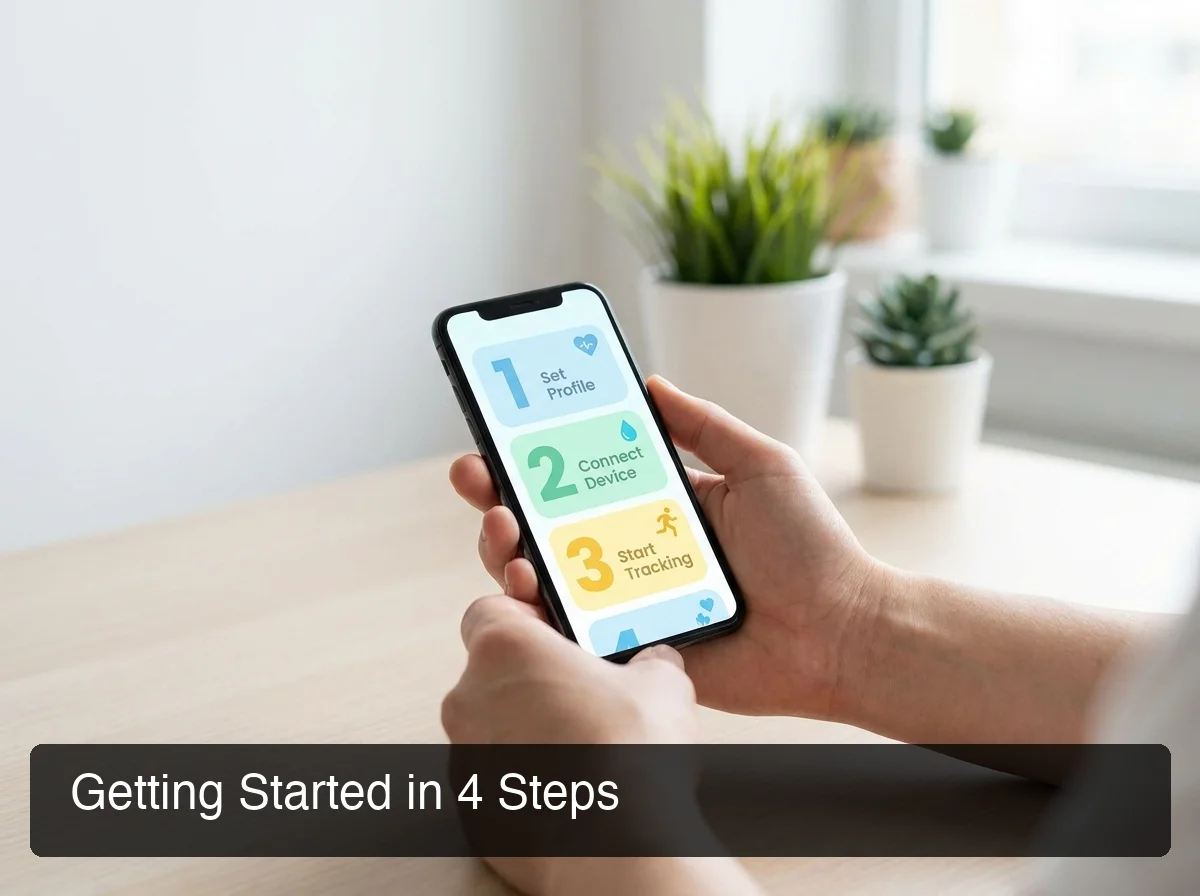 Getting set up takes under 5 minutes — and the app handles the scheduling math from there.
Using a GLP-1 injection tracker starts with entering your prescription details: current dose, injection day, titration schedule, and start date. From that point, the app manages the schedule — sending reminders before each injection window and logging the dose with a single confirmation tap.
The setup flow for any dedicated ozempic app:
- Enter your prescription — dose phase and escalation schedule (or standard 0.25mg → 0.5mg → 1mg titration)
- Set your injection day — most users pick a consistent day of the week
- Enable reminders — same-day, day-before, or both
- Log your first dose — confirm injection date, site, and any notes
- Add your starting weight — baseline for progress tracking
After initial setup, each weekly injection takes under 60 seconds to log. The critical habit is logging side effects within 24–48 hours of each injection while the data is fresh.
For users new to self-injection, a comprehensive subcutaneous injection guide ensures both the technique and the tracking are dialed in from Day 1.
Can an App Really Help Track Ozempic Side Effects?
Yes — a semaglutide tracking app that includes a structured side effect journal can meaningfully change how you interpret your protocol. When you log each symptom with a date, severity rating, and the dose phase you're in, patterns emerge that are otherwise invisible: nausea peaks at a predictable 36-hour mark, fatigue clusters in the first 48 hours of dose increases, appetite suppression correlates with specific injection sites.
The most commonly reported side effects — nausea, vomiting, constipation, fatigue — are highly dose-dependent and phase-dependent. Symptoms that feel alarming in Week 2 are completely expected at that dose level and typically resolve by Week 4.
When logging a side effect, capture the type, severity (mild / moderate / severe), timing post-injection, and duration. This structured data is exactly what informs a productive conversation about dose adjustment. The Ozempic side effects guide covers the full clinical picture of what to expect at each phase.
Bottom line: Structured side effect logging transforms anxiety-inducing symptoms into data points — you stop wondering "is this normal?" and start seeing the pattern that confirms it is.
What's the Difference Between a Dedicated Ozempic Tracking App and a General Health App?
A dedicated ozempic tracking app is purpose-built for GLP-1 protocol management — it understands titration schedules, semaglutide-specific side effects, and the weekly injection cadence that general health apps were never designed for. Apps like Apple Health, MyFitnessPal, or generic medication reminders require manual workarounds for everything that makes GLP-1 protocols unique.
Where dedicated apps outperform general tools:
- Titration scheduling — built-in phase management vs. manually creating multiple reminders
- Side effect taxonomy — GLP-1-specific symptom lists vs. generic symptom dropdowns
- Protocol timeline view — overlays dose phases against weight trend; general apps don't connect these
- Injection site rotation — tracks rotation history; general apps don't know what a subcutaneous site is
Ozempic is an FDA-approved prescription medication — one of the most clinically validated GLP-1 compounds available. That legitimacy extends to the tracking layer. For the full context on semaglutide's regulatory status alongside other approved compounds, see the FDA-approved peptides reference.
How to Choose the Right Ozempic Tracking App
 Not all tracking apps are equal — purpose-built GLP-1 tools offer depth that generic apps can't match.
Choosing the right ozempic tracking app comes down to four criteria: GLP-1-specific feature depth, side effect logging quality, reminder reliability, and the presence of AI-driven protocol context. Most free apps cover the first two adequately. The AI layer is where meaningful differentiation exists for users who want more than a digital logbook.
GLP-1-specific feature depth — the app should understand titration, not just let you manually enter a new dose each phase. Look for built-in dose escalation scheduling and automatic phase transition reminders.
Side effect logging quality — a single text field is not enough. Look for structured entry with severity ratings and timing capture. More structured input means more useful analysis.
Reminder system — configurable by day, time, and advance window. Apps that prompt "did you take it?" after an unlogged window pass are more effective at catching missed doses.
AI or protocol intelligence — this is the gap in today's market. Most apps tell you what you logged. A protocol intelligence layer tells you what it means — that your fatigue pattern is typical for Week 2, that your weight plateau is normal variance, that nausea should ease over the next 7 days.
PeptideIQ is built specifically for this gap: an AI co-pilot initialized with your full protocol context — current dose, cycle day, logged wellness data, and side effect history — so every answer is grounded in your actual situation, not generic GLP-1 advice.
Are Ozempic Tracking Apps Free or Subscription-Based?
Most dedicated ozempic tracking apps offer a free tier with basic dose logging and reminders, with advanced features — side effect analytics, progress insights, AI guidance, and data exports — locked behind a subscription typically ranging from $4.99 to $9.99 per month.
Shotsy runs $9.99/month or $39.99/year. MeAgain and GLApp both use freemium models with premium tiers. PeptideIQ plans a freemium model with core protocol tracking free and the AI co-pilot on subscription.
The practical consideration: Ozempic costs $800–$1,000+ per month out of pocket. A $5–$10/month tracking app that helps you stay adherent and optimize your protocol is a marginal cost against that investment.
Users interested in tracking additional peptides alongside their GLP-1 protocol benefit from apps built for multi-compound workflows. Understanding timeline expectations across different peptide classes is useful context — the BPC-157 timeline guide shows how protocol expectations vary across compounds.
Key insight: Free apps work for basic logging. If you're paying for an Ozempic prescription, the premium tracking analytics are worth it — the data quality difference across a 12–16 week protocol is significant.
Get Started with PeptideIQ
If you're managing an Ozempic protocol and want more than a basic dose log — AI-powered insights that know your cycle, automated side effect correlation, and a system designed for the GLP-1 user experience — PeptideIQ was built for exactly this. PeptideIQ is available to download now on the App Store.
Download PeptideIQ on the App Store
PeptideIQ's AI co-pilot covers the full peptide spectrum — semaglutide, tirzepatide, BPC-157, CJC-1295, and beyond. The same tracking depth applies to every compound in your stack.
FAQ: Ozempic Tracking Apps
What is the best tracker for Ozempic?
Shotsy and MeAgain are the highest-rated dedicated GLP-1 apps currently available, offering dose logging, side effect tracking, and weight progress charts. For users who want AI-driven protocol intelligence — answers grounded in their actual cycle data — PeptideIQ offers that layer now on iOS.
What is the best free Ozempic tracking app?
GLApp (glapp.io) offers a solid free tier for iPhone and web covering dose logging, side effect monitoring, and weight tracking. Shotsy also has a free trial period. Most free apps cover the basics; side effect analytics and AI features typically require a paid subscription.
Can I track Ozempic side effects with an app?
Yes. Dedicated GLP-1 apps include structured side effect journals where you log symptom type, severity, and timing relative to your injection. Consistent logging over 4–8 weeks builds a clinical record that meaningfully supports prescription adjustment conversations with your provider.
How do I use an Ozempic tracking app for the first time?
Enter your current dose, injection day, and set your weekly reminder. Most setup flows take under 5 minutes.
Log each injection immediately afterward and any side effects within 24–48 hours. Consistency matters more than completeness — a partial weekly log is far more useful than perfect logging followed by a gap.
Is there a GLP-1 injection tracker for Android?
Yes. Shotsy and SlimShot both have dedicated Android apps on Google Play. GLApp also works on Android via its web app.
Android support for newer GLP-1 trackers varies — check each app's listing for current platform availability.
Should I share my tracking app data with my doctor?
Yes, if the app supports it. Medication adherence history, weight trend, and side effect log give your prescriber exactly what they need to evaluate your response and adjust your protocol. Look for apps with PDF export or healthcare provider sharing features.