
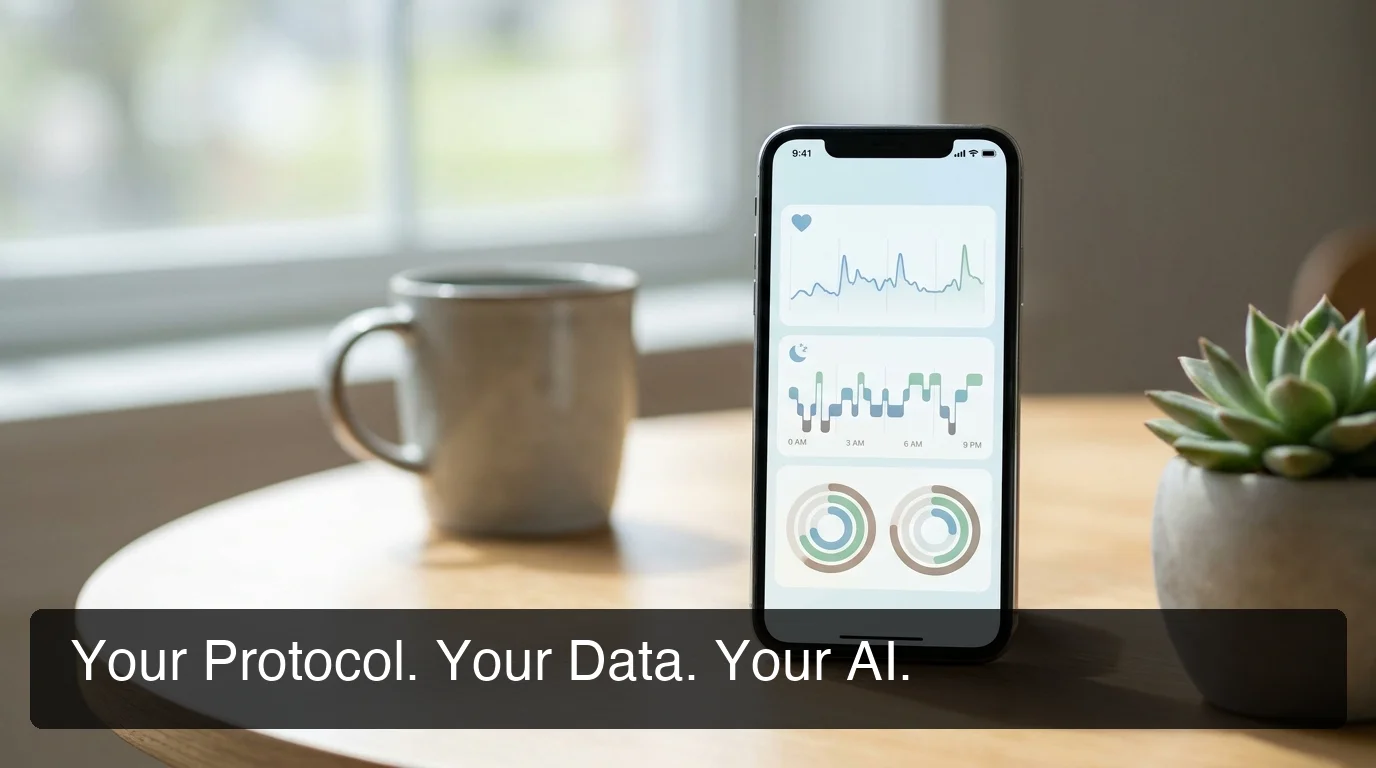
PeptideIQ Review: What Makes It Different
PeptideIQ Review: What Actually Makes This Peptide App Different
A vial of BPC-157 sitting in a fridge, ordered off a Reddit recommendation, with no instructions attached — that's the moment product research for peptide users keeps circling back to. This PeptideIQ review exists because that moment is exactly what the app was built to solve, and it's worth being specific about what "solve" means here instead of stacking up star ratings.
Key Takeaways
- PeptideIQ is an AI-guided system, not a generic dose logger — it pairs structured protocol management with an AI co-pilot initialized on the user's actual cycle, dose history, and wellness data.
- The Protocol Hub answers "where am I in my cycle," "what's next," and "how's it going" on one screen, instead of scattering that information across tabs the way competitor apps do.
- PeptideIQ is available now on iOS with a free core experience and optional Pro subscription — this review evaluates its feature set and product design.
- Core differentiators include a visual reconstitution calculator, injection site rotation, a half-life visualizer, and bloodwork trend tracking tied into the AI's context.
- The app is built around five documented peptide-user profiles, from first-time beginners to longevity-focused users who want clinical-feeling data rather than gym-app design.
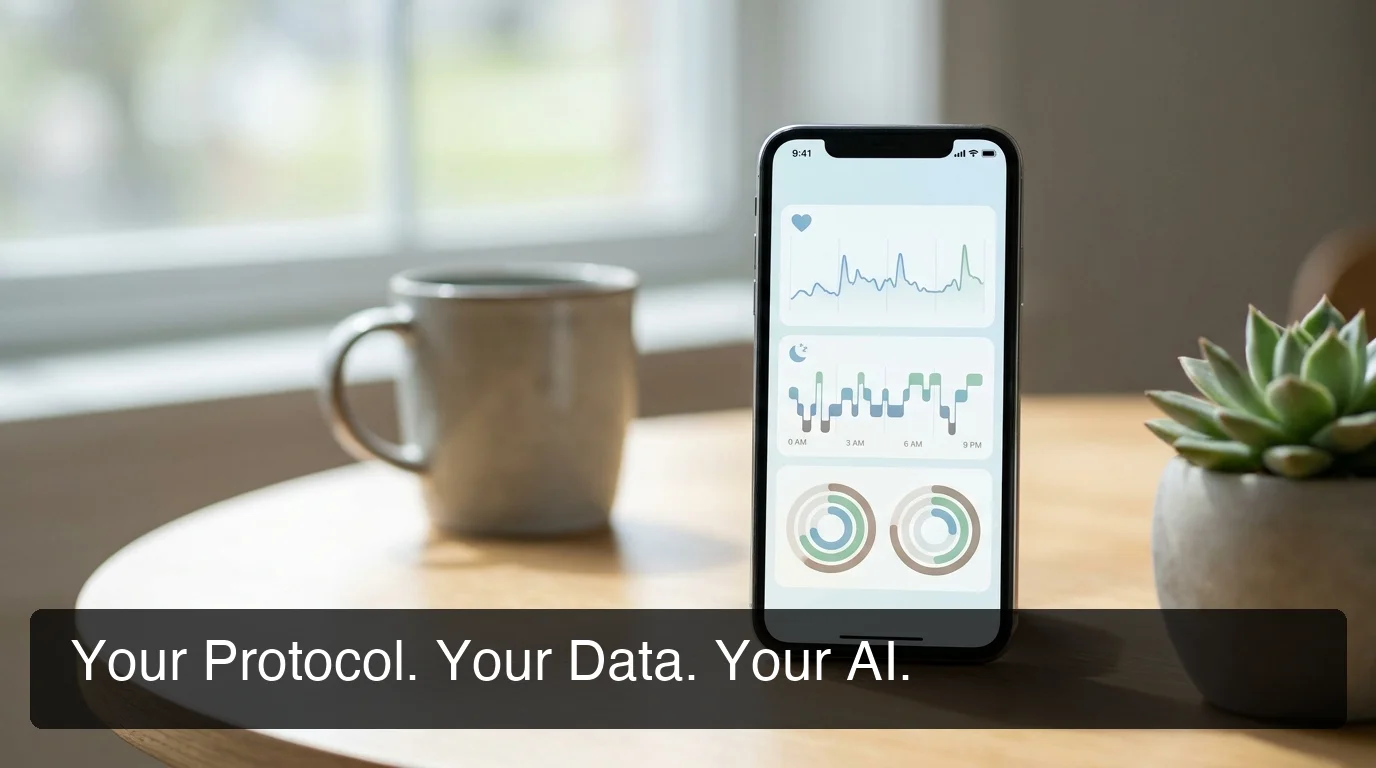 PeptideIQ's design starts from a single question: does the user know what's happening in their protocol right now?
What Is PeptideIQ, Actually?
PeptideIQ is an AI-guided system for people running peptide protocols — not a chatbot, not a spreadsheet template, not a basic dose log. It pairs structured protocol management (cycle planning, dose logging, reconstitution math) with an AI co-pilot that's initialized with the user's actual data on every conversation.
That distinction matters more than it sounds. A generic AI chatbot can explain what BPC-157 is. It cannot tell a user they're on Day 6 of a 250mcg cycle, that their energy score has dipped for three days straight, and that both facts are connected. PeptideIQ's full feature breakdown covers the mechanics in more depth than this review does.
The app is available now on iOS. This review evaluates the product's feature set and design rather than inventing a star-rating narrative before a broad base of user reviews exists.
Every Other Peptide App Is a Dumb Logger
Open the App Store and search "peptide tracker" and the results look similar: a schedule grid, a reminder notification, maybe a notes field. They record what happened. None of them tell the user anything about what it means.
 The default alternative to a guided app isn't a better app — it's a spreadsheet with formulas nobody remembers writing.
The realistic alternative most experienced users fall back on is a personal spreadsheet or a Notes app thread. It works, technically, the same way a paper map works — until the user needs to cross-reference three data points at once and gives up halfway through. The best peptide tracker options available right now largely fall into this same category: functional logging, zero interpretation.
That gap — logging without meaning — is the actual competitive space PeptideIQ operates in.
PeptideIQ Review: What Makes It Different from Other Peptide Apps?
PeptideIQ's Protocol Hub puts cycle progress, next dose, and wellness metrics on one screen — answering "where am I in my cycle," "what do I need to do today," and "how is it going" without a single menu tap. Competitor apps scatter that information across separate tabs, forcing users to reconstruct their own status manually.
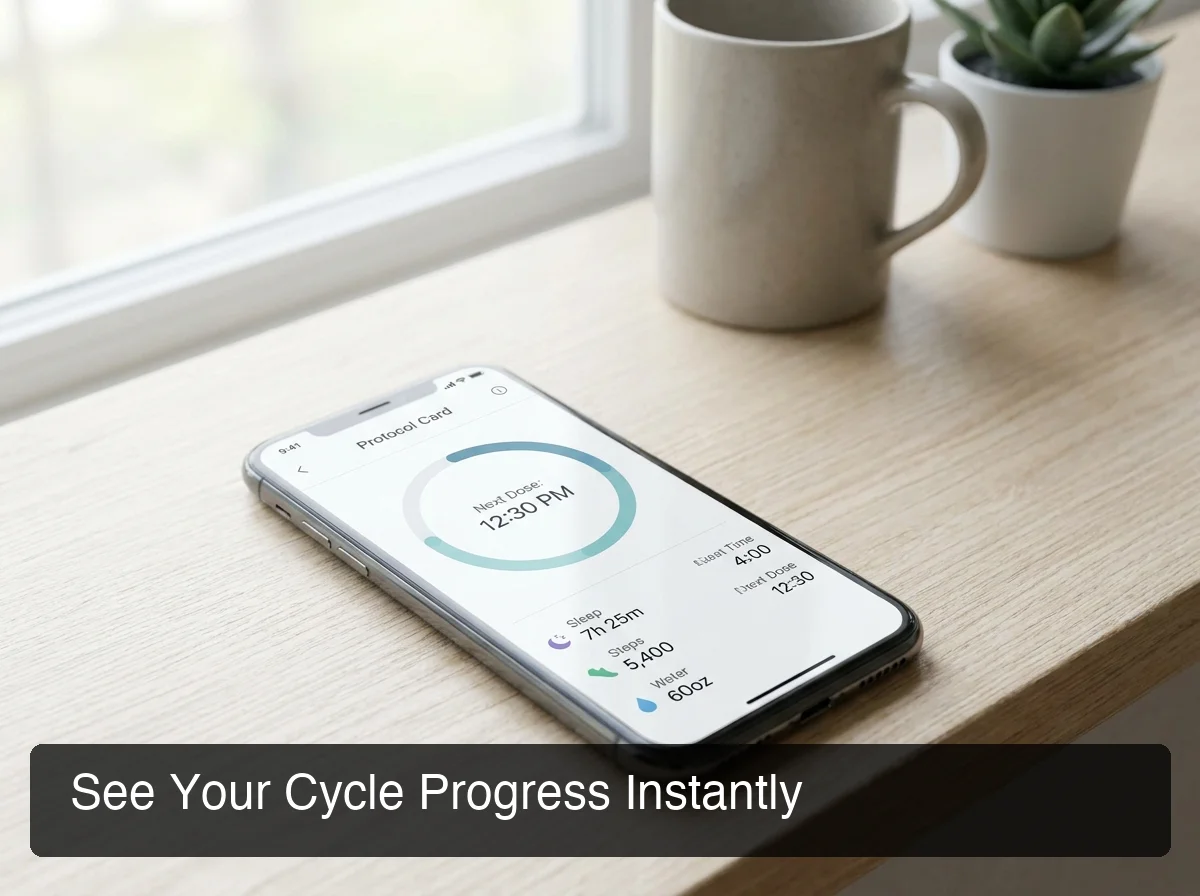 Protocol Hub in action — one screen answers where a user's cycle stands right now.
Open a generic logger and finding "am I in week 3 or week 4" usually means tapping into a history log and counting backward. Protocol Hub renders that as a visual progress bar on the home screen, alongside the next dose time and amount and how many doses remain in the current vial. For someone managing more than one peptide, each active protocol gets its own color-coded card, stacked vertically, still legible at a glance.
Worth knowing: the Protocol Hub isn't a dashboard bolted onto a logging app after the fact — per the product design, it's the actual home screen. Every session starts there, not on a chat window.
Here's how that plays out against the two realistic alternatives:
| What you need to know | PeptideIQ Protocol Hub | Generic Peptide Logger | Spreadsheet/Notes |
|---|---|---|---|
| Cycle day at a glance | Visual progress bar | Manual count from history | Manual count |
| Next dose + amount | Shown automatically | Usually requires a tap-through | Self-tracked |
| Multi-peptide stack view | Color-coded stacked cards | Rarely supported | One long list |
| Wellness trend context | Built into AI co-pilot | Not present | Not present |
| Reconstitution math | Calculated with visual syringe line | Absent or manual entry | Manual formula |
Compared against the broader field of best peptide apps on the market, the pattern holds: most tools are built to record a dose, not to answer whether the protocol is actually working.
PeptideIQ Review: Is It Worth Downloading Once It Goes Live?
The honest answer requires separating feature claims from real utility. PeptideIQ is live and testable on iOS; the useful question is whether its design decisions solve real, specific problems. Anyone claiming otherwise about a product with no public release isn't being straight with you.
What can be evaluated is the design itself. The app is built around five documented user types — from a first-timer with a vial and zero instructions, to a longevity-focused user who wants bloodwork trends, not gym-app aesthetics. Features exist because specific pain points were identified for each of those users, not as a generic feature checklist.
For someone actively running a protocol right now, the more useful move than waiting for reviews is checking whether the feature set solves an actual problem they have. That's a more reliable signal than a star rating anyway.
Which PeptideIQ Features Actually Matter?
Two problems come up constantly among peptide users: math anxiety for beginners and data fragmentation for experienced users. PeptideIQ's feature set — reconstitution calculator, injection site rotation, half-life visualizer, and bloodwork tracker — maps directly onto both, not onto a generic feature checklist.
For the reconstitution math — figuring out how much bacteriostatic water to add and what syringe line to draw to — PeptideIQ's calculator takes three inputs (vial amount, water volume, target dose) and outputs the exact draw line on a visual syringe illustration. A step-by-step reconstitution walkthrough covers the manual version of this math for anyone who wants to understand what the calculator is doing under the hood.
For fragmentation, the relevant features are:
- Injection site rotation — a body diagram that marks sites used in the last 48 hours, so nobody re-injects the same spot on accident
- Half-life visualizer — a curve showing how much of a peptide is still active in the system, which matters for anyone stacking overlapping doses
- Bloodwork tracker — trend charts across hormone, metabolic, and inflammation panels, feeding directly into the AI co-pilot's context
- Doctor-friendly PDF export — generated client-side, built for the user who wants to bring organized data to an actual appointment
None of these are novelty features. Each one traces back to a specific complaint from someone already running a protocol without a system.
How Much Does PeptideIQ Cost, and Is It Free?
PeptideIQ's pricing model is planned as freemium: core protocol tracking free, with the AI co-pilot and advanced analytics reserved for a paid subscription tier. Exact pricing hasn't been announced, and it won't be until closer to the iOS launch.
That's a deliberately conservative structure — the free tier still covers building a protocol, logging doses, tracking adherence, and browsing the peptide library, which is more functionality than most competitor apps offer at any price. The subscription layer is reserved for the parts that require ongoing AI compute: the co-pilot itself, weekly insight cards, and correlation views across wellness metrics.
Current subscription options and localized prices are shown inside the app before purchase.
Who Is PeptideIQ Actually Built For?
PeptideIQ's design research identified five distinct peptide-user types, and the feature set reflects all five rather than optimizing for one — from a first-time beginner to a longevity-focused user who wants clinical-feeling data.
- A beginner with a vial in the fridge and zero injection experience, who needs the app to think for them at first
- A goal-driven user counting down to a specific date, who needs visible weekly progress
- A fitness-focused user running a multi-peptide stack, who needs organized timing without hand-holding
- An experienced self-experimenter juggling three protocols across a messy Notes app, who needs pattern visibility
- A longevity-focused user who wants bloodwork trends and a clinical-feeling UI, not a gym app
Anyone still deciding whether to start a protocol at all should read what the clinical evidence shows about peptide therapy safety before evaluating tracking tools — the tracking question only matters once the safety question is settled.
Get Started with PeptideIQ
If any of the five profiles above sound familiar, the app is built specifically around that situation rather than a generic wellness use case. It is available now on iOS.
Download PeptideIQ on the App Store
Quick Recap
- PeptideIQ pairs structured protocol management with an AI co-pilot initialized on the user's actual cycle, dose history, and wellness data — not a generic chatbot.
- The Protocol Hub answers "where am I in my cycle," "what's next," and "how's it going" on one screen, unlike competitor apps that scatter that information across tabs.
- It's available now on iOS with a free core experience and optional Pro subscription — this review evaluates the built feature set and product design.
- Core differentiators include a visual reconstitution calculator, injection site rotation, a half-life visualizer, and bloodwork trend tracking tied into the AI's context.
- The app is built around five documented user profiles, from first-time beginners to longevity-focused users who want clinical-feeling data, not gym-app design.
Frequently Asked Questions
Is PeptideIQ free to use?
The planned model is freemium — core protocol tracking, dose logging, and library access will be free. The AI co-pilot and advanced analytics like wellness correlation views are planned for a paid subscription tier, with exact pricing announced closer to launch.
What makes PeptideIQ different from other peptide trackers?
Most peptide trackers record data and stop there. PeptideIQ's Protocol Hub surfaces cycle status, next dose, and wellness trends in one view, and its AI co-pilot is initialized with the user's specific protocol and logs on every conversation — not generic peptide knowledge.
Is PeptideIQ available to download right now?
Yes. PeptideIQ is available now on the App Store for iPhone and iPad.
What peptides can PeptideIQ track?
The library covers 20+ peptides, including BPC-157, semaglutide, tirzepatide, CJC-1295, Ipamorelin, GHK-Cu, TB-500, Epitalon, and MOTS-c, among others. Each entry includes goal-based use cases and an honestly labeled evidence level.
Are there good PeptideIQ alternatives?
Generic health-logging apps and basic peptide dose loggers exist, but none combine structured protocol management with a context-aware AI co-pilot. For a side-by-side look at the options, see the comparison of the best peptide apps available today.